
Make Calls From PC
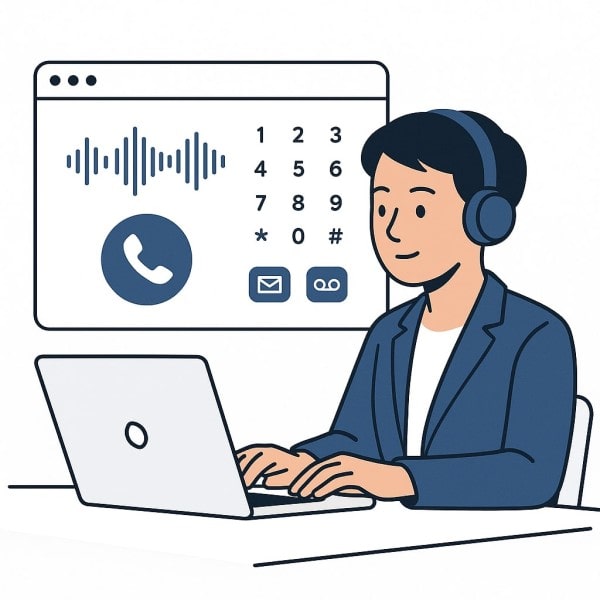

No App, No SIM, Just a Browser
Begin calling from any computer with an internet connection and a browser. Phone Call Online eliminates equipment, installations, or cell phone subscriptions. You don’t need technical knowledge, just log in and begin talking.
Stay Connected Anywhere
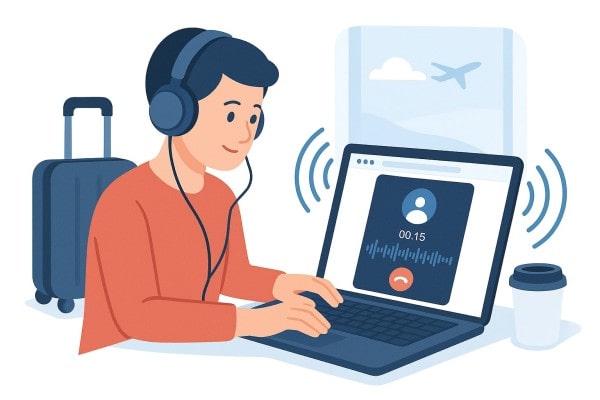
Phone Call Online works seamlessly on desktops, laptops, and all leading browsers. If you telecommute or travel, you can handle calls anywhere. Experience clear sound and stable connection always.
Built for Work and Personal Use
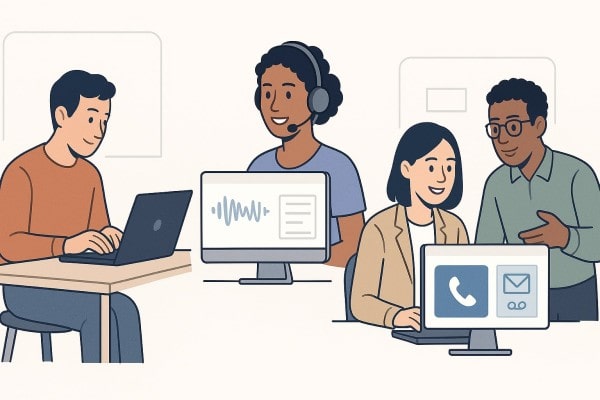
Business teams, freelancers, support teams, and digital nomads all value the ease of Phone Call Online. Call transfer, message logs, and voicemail ensure communication is seamless. No contract, apps, or extra charge, just easy, secure access.
Frequently Asked Questions
How can I make calls from my computer without a phone?
Phone Call Online lets you make calls from PC using only your browser—no phone, app, or SIM card needed.
Are PC calling platforms reliable for business use?
Yes. Phone Call Online delivers reliable, browser-based calling with good audio and business-class features such as voicemail and call routing.
Can I get a virtual number to call from my desktop?
Absolutely. Phone Call Online gives you access to virtual numbers that work instantly through your PC browser.
Make Calls From PC vs Mobile Calling Apps
Mobile calling apps are download-, update-, and SIM card-reliant, with less flexibility. But PC-to-PC calling services such as Phone Call Online operate completely within the browser, with time- and setup-saving convenience. For busy professionals who require speed, convenience, and simplicity, desktop calling is the wiser mode of communicating.